Agent Hub
The Agent Hub is your starting point inside Kscope. It's where you access your applications, connect data sources via Blueprints, and manage your team -- all from one place.
When you log into Kscope, you land here automatically.
Navigation
The interface has a search bar at the top and tabs to filter:
- Subscribed -- Apps/Blueprints you're currently using
- Not Subscribed -- Available but not yet configured
- Coming Soon -- Features in development
- All -- Everything in the catalog
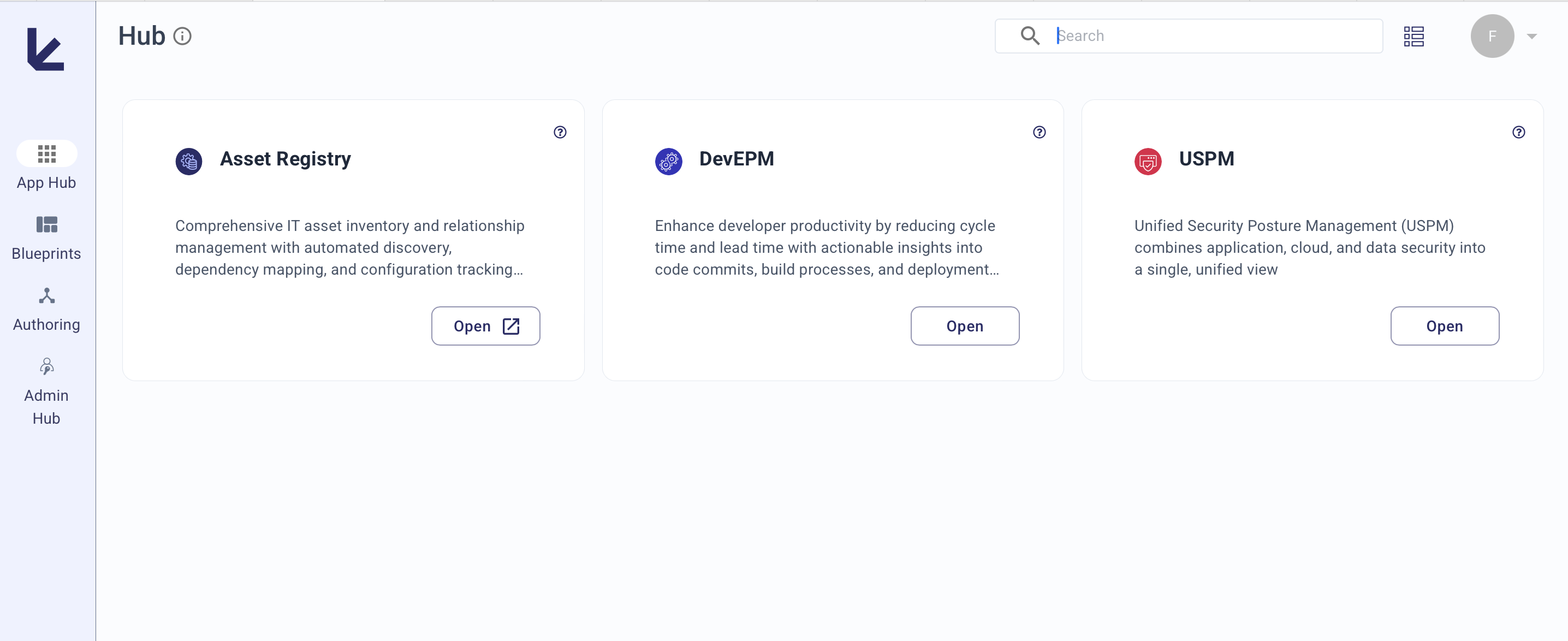
Subscribed Applications
Your subscribed apps appear as cards. Click Explore to launch any app.
| Application | What it does |
|---|---|
| Asset Registry | Tracks IT assets with auto-discovery, relationship mapping, and classification |
| ASPM | Analyzes software composition, finds vulnerabilities, and builds SBOMs |
| DevEPM | Measures and improves developer productivity across your SDLC |
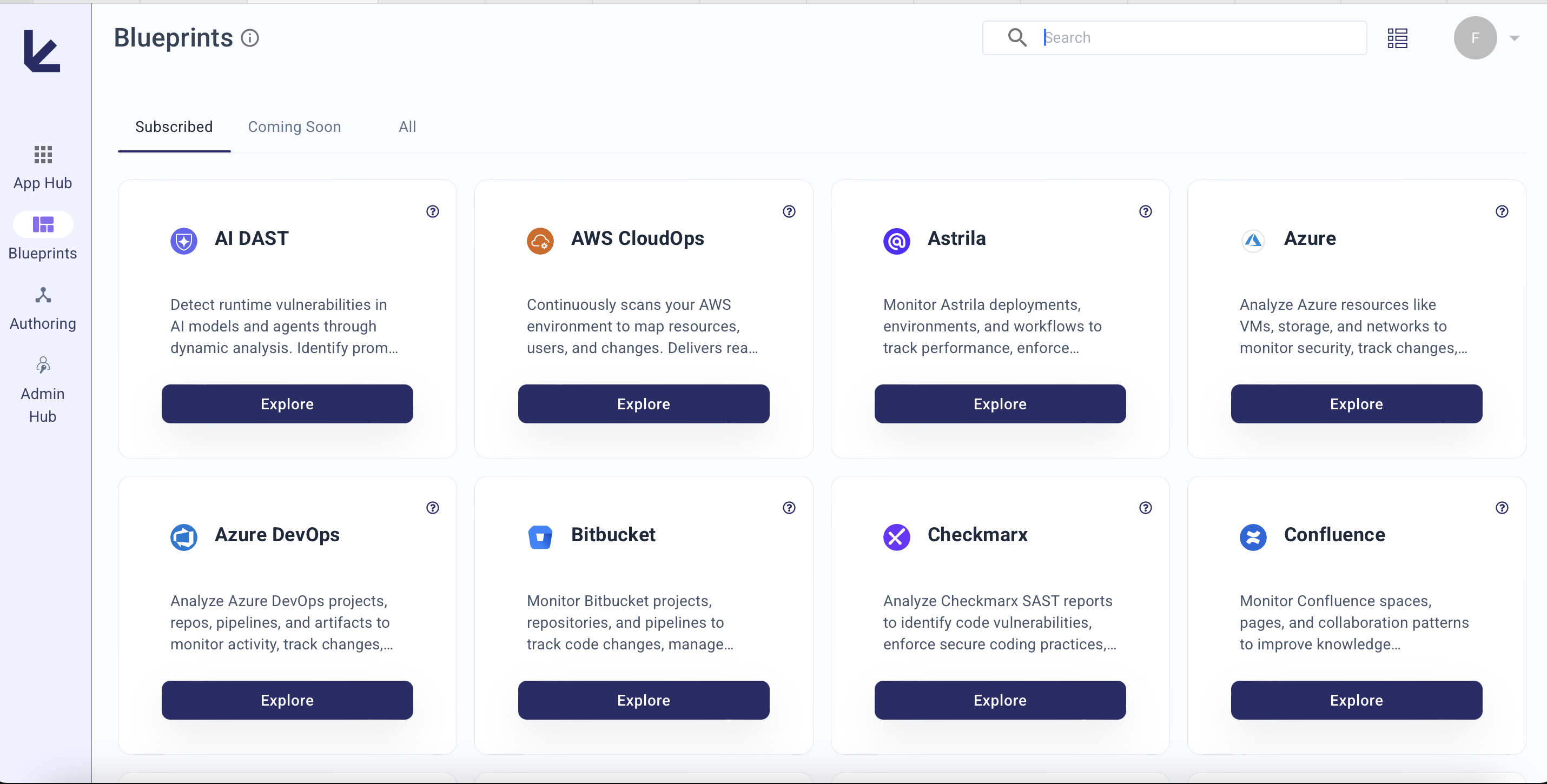
Blueprints
Blueprints are connectors that pull data from your external systems into Kscope's context graph. They're plug-and-play -- configure credentials once, and they keep data synced automatically.
For the full list of available integrations and setup instructions, see the Blueprint catalog.
How a Blueprint works:
Team
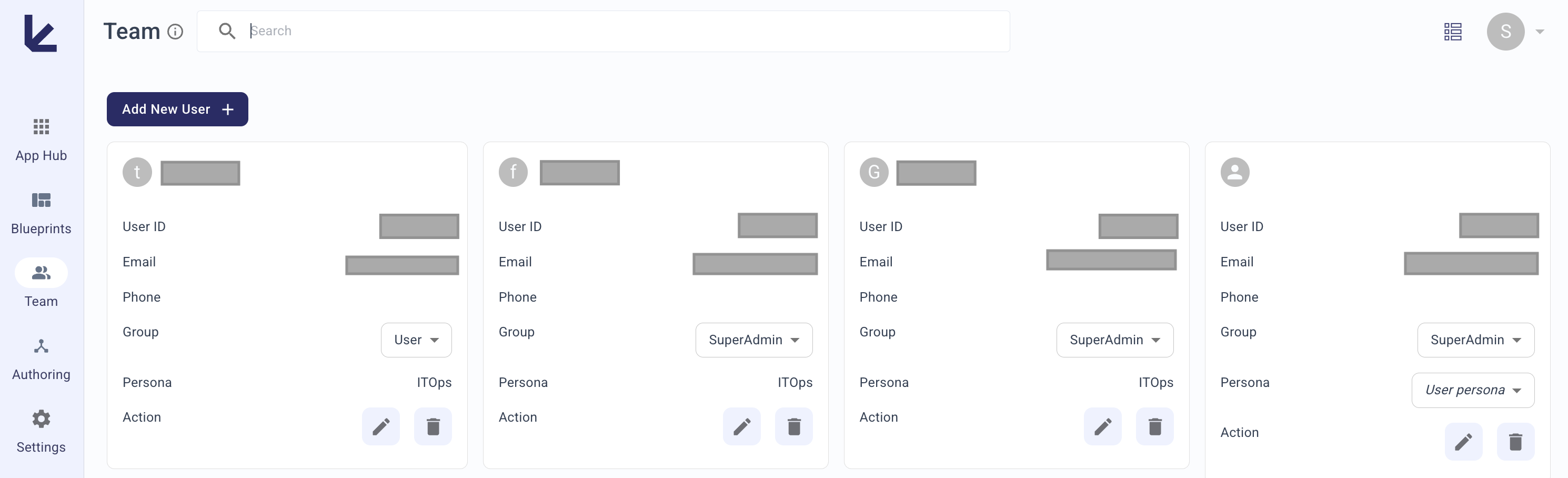
The Team section lets you invite users, assign roles, and manage access via Role-Based Access Control (RBAC).
| Role | Access level |
|---|---|
| SuperAdmin | Full control: users, apps, settings, payments |
| Admin | Full control except payments and user management |
| User | Read-only access to analyzers, blueprints, and dashboards |
For detailed permissions and user management instructions, see the Team page.