Jobs
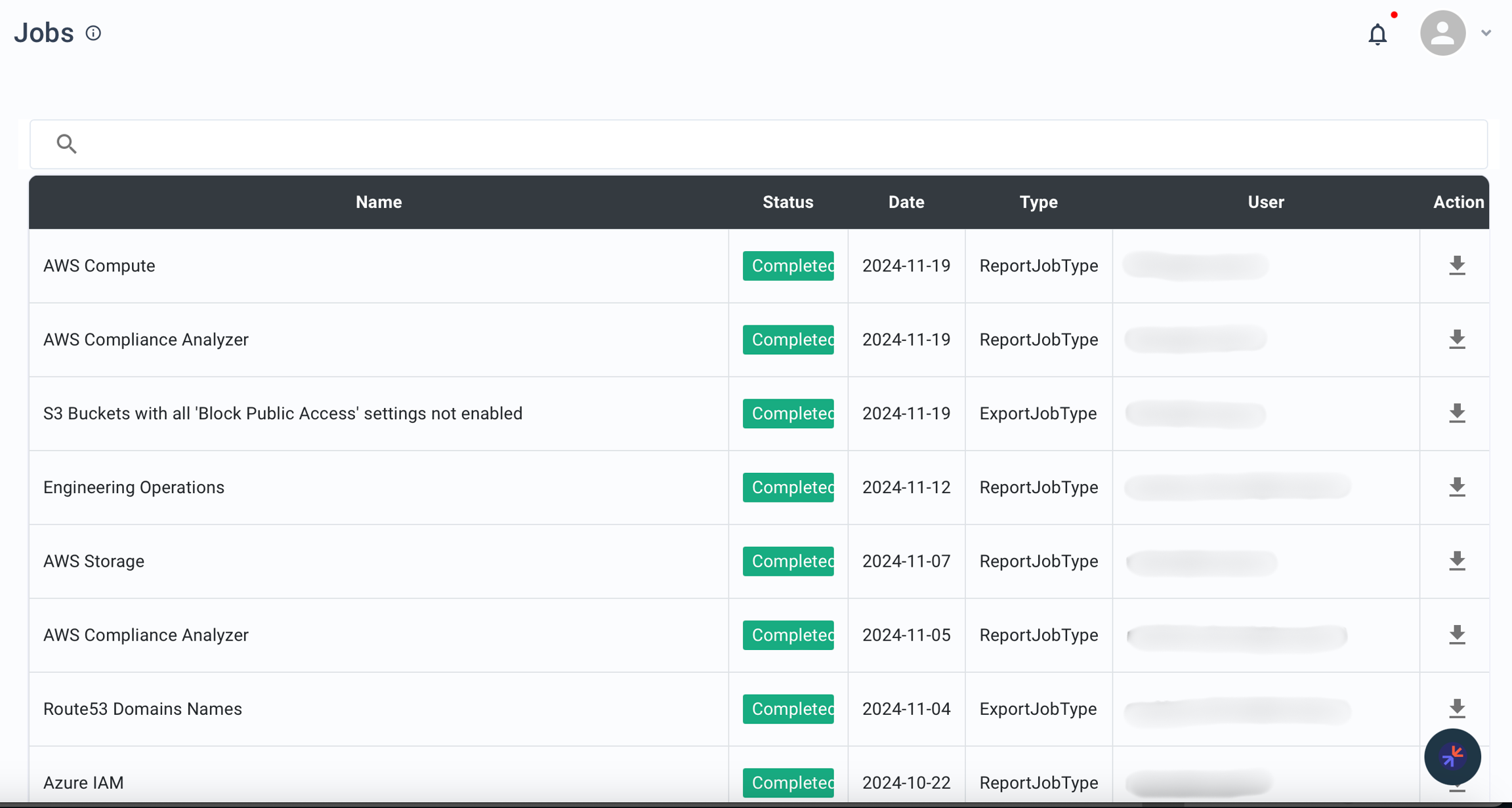
The Jobs page tracks report generation and data export tasks. Monitor status, view details, and download output files.
Layout
| Column | Description |
|---|---|
| Job Title | Analyzer or widget name associated with the job |
| Status | In Progress, Completed, or Failed |
| Date | When the job was initiated |
| Type | Report or Export |
| User | Who initiated the job |
| Action | Download link for the output file |
Job Types
Report Job
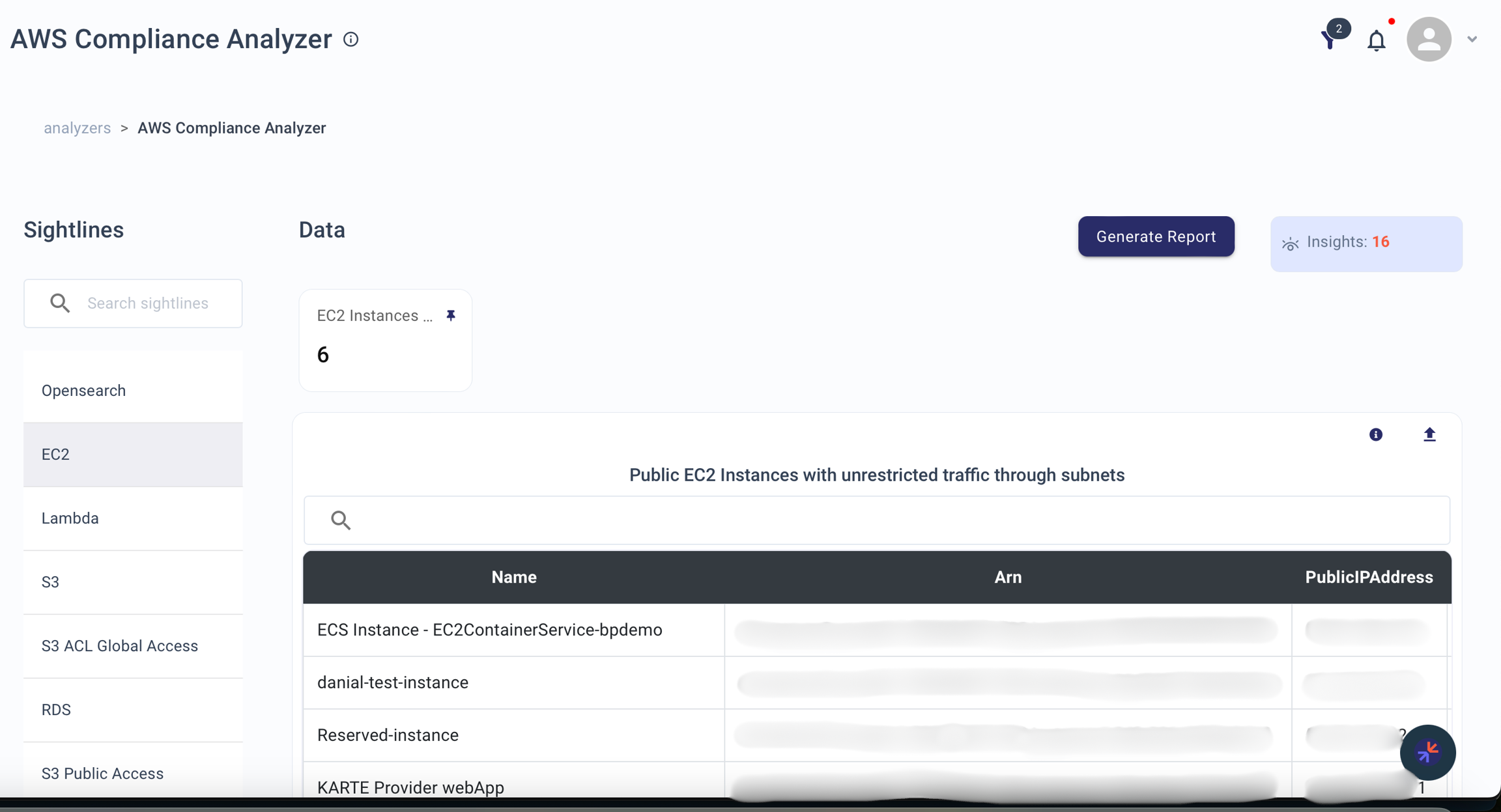
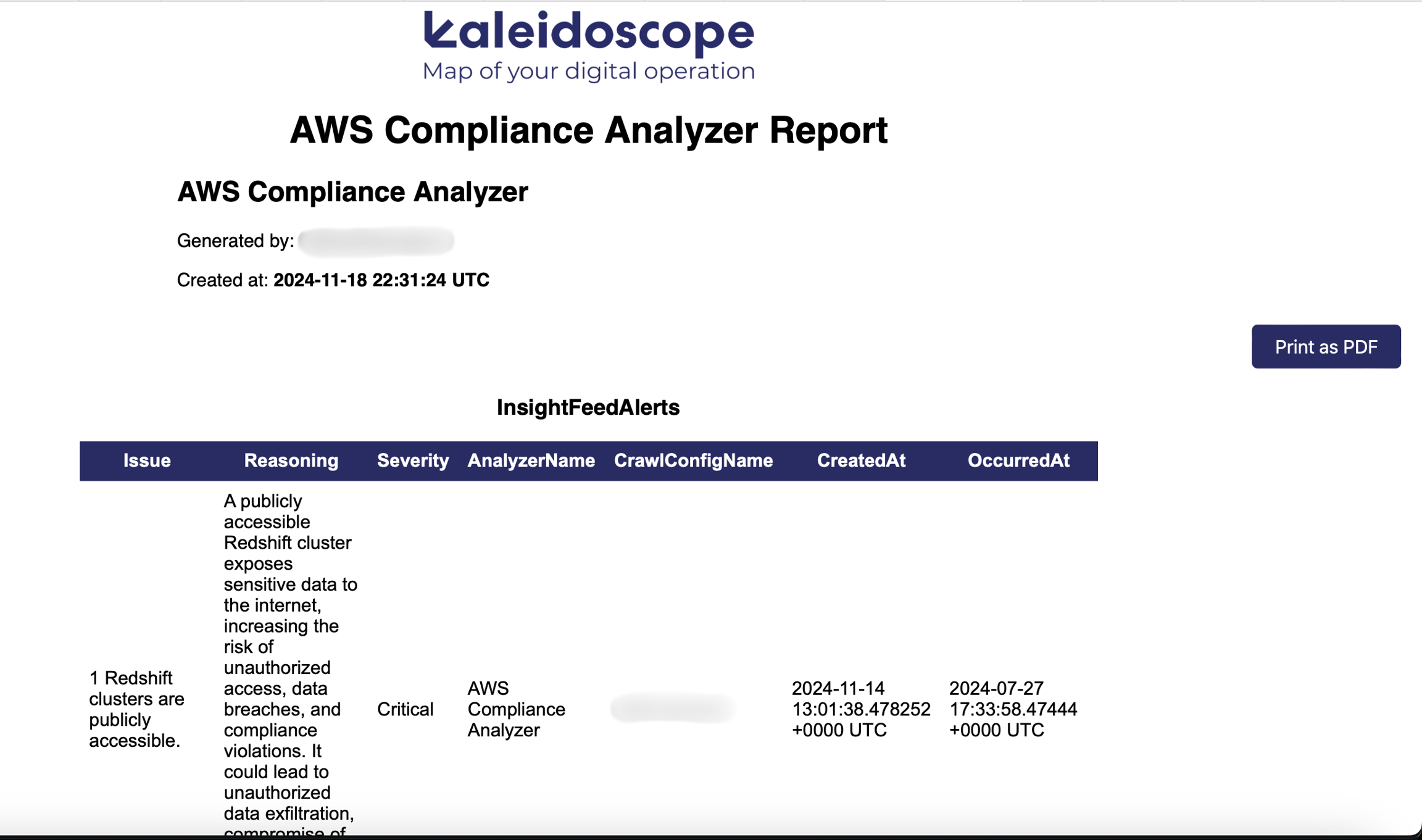
Generates an HTML file with detailed analyzer information. Use for reviewing or sharing analyzer results in a structured report.
To generate: Select an analyzer and click Generate Report.
Output: HTML report with full analyzer details.
Export Job
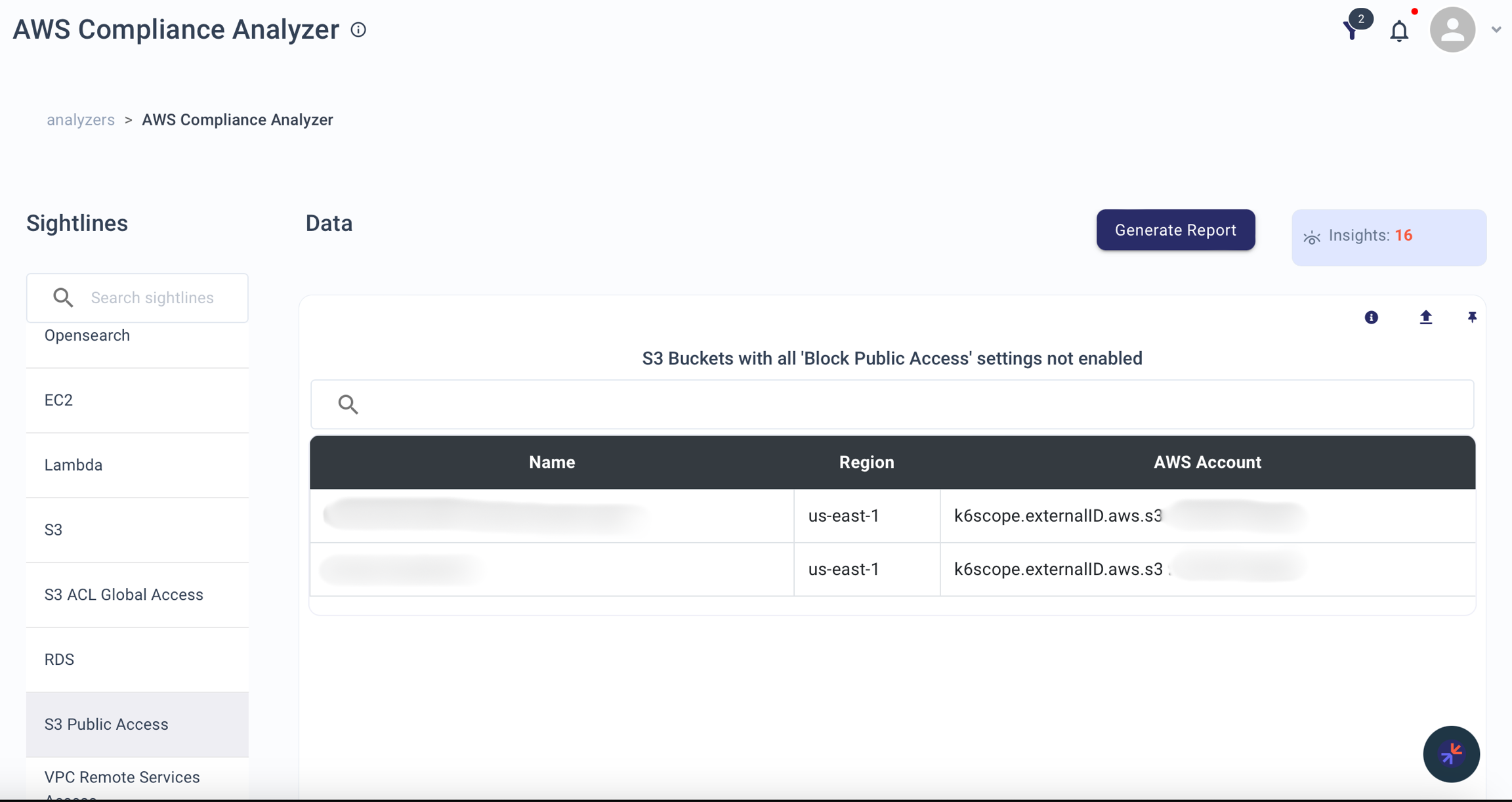
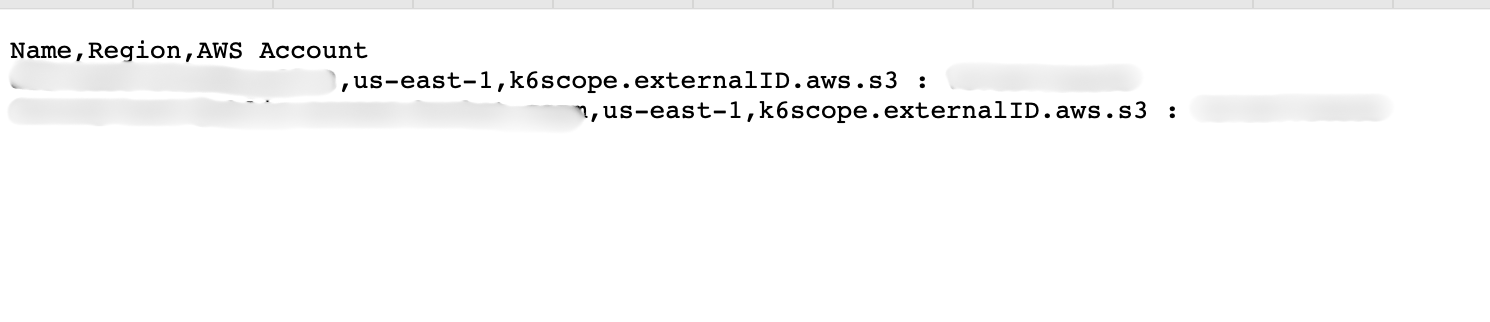
Produces a CSV file from a table widget. Use for extracting data for external analysis or integration.
To generate: Select a table widget and click Export as CSV.
Output: CSV file with the widget's data.
Tips
- Sort by Status to quickly find completed jobs ready for download
- Large jobs may take extra time -- monitor their status on this page
- Address failed jobs promptly to ensure data availability