AdminIAMPoliciesAttachedToDynamoDBStatCard
Admin Policies Attached to DynamoDB Resources
Overview
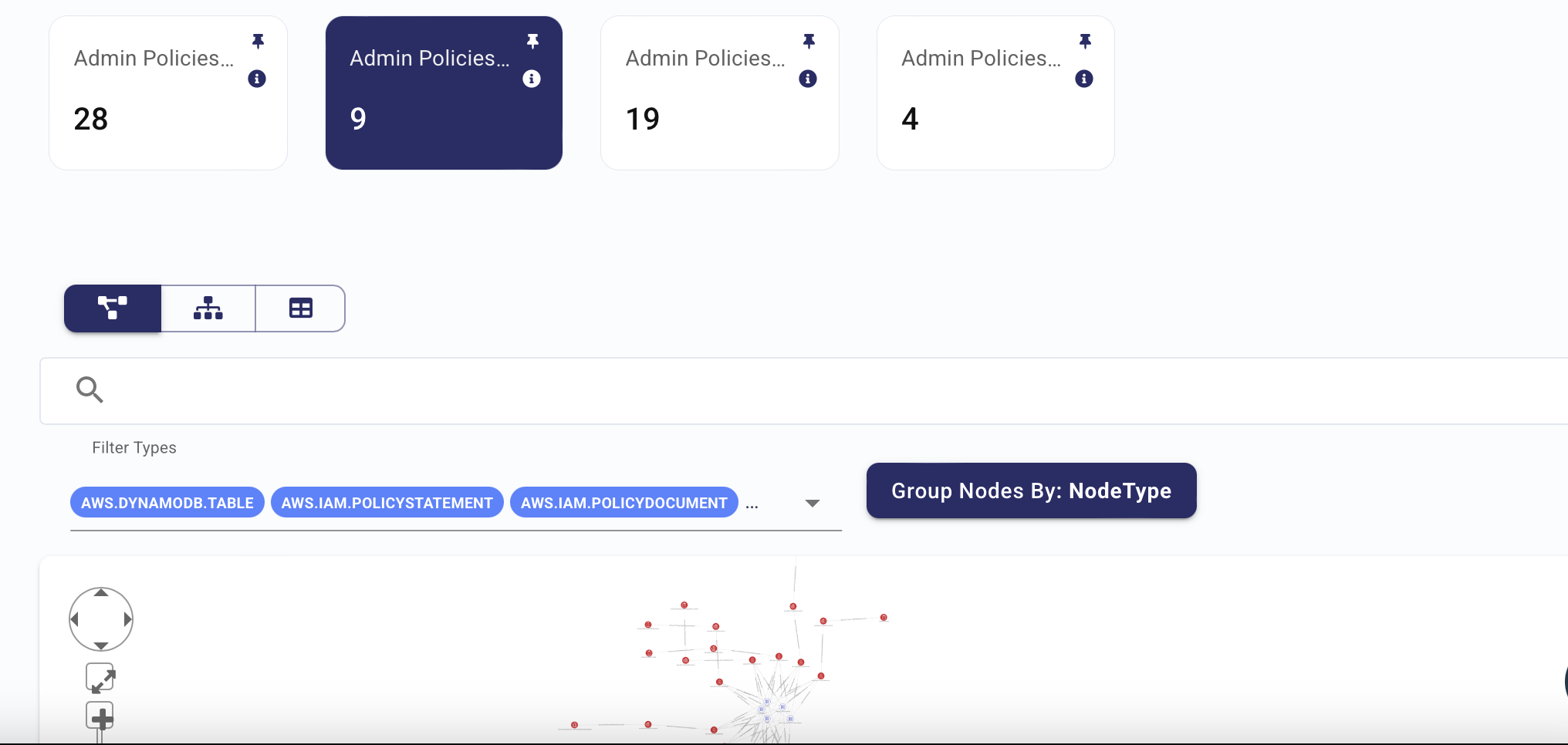
The "Admin Policies Attached to DynamoDB Resources" widget displays IAM policies that provide admin-level access to DynamoDB resources. This widget helps identify users or roles that may have excessive privileges on DynamoDB, ensuring that only those with a legitimate need have full control over database resources.
Why It Matters
For IT Engineers:
- Access Control:
- Helps ensure that only authorized users and roles have admin access to DynamoDB resources, following best practices for least privilege.
- Resource Security:
- Prevents over-permissioning by identifying and addressing unnecessary admin access to DynamoDB resources.
- Auditing and Monitoring:
- Aids in regular auditing of IAM policies attached to DynamoDB resources, ensuring compliance with security standards.
For Security Engineers:
- Risk Mitigation:
- Flags any over-permissioned IAM policies attached to DynamoDB resources, reducing the likelihood of data manipulation or unauthorized access.
- Data Protection:
- Helps protect sensitive data stored in DynamoDB by ensuring that admin access is only granted when necessary.
- Compliance:
- Supports compliance with internal and external security frameworks by ensuring proper IAM policy configuration.